
AI Food Photography: What It Can Do, Where It Falls Short, and How to Use Both
AI food photography generates food images using artificial intelligence. Here's what it does well, where it fails, and how Singapore's F&B brands are using both
June 10, 2026 • gradepixel

AI tools that generate or enhance food images are available, actively used, and improving quickly. Some of what they produce is genuinely impressive. Much of it is not accurate enough to represent real food at a commercial level. The distinction matters, particularly for restaurants and F&B brands operating in Singapore’s delivery platform and ecommerce environment, where image compliance and accuracy are enforced.
This guide covers what AI food photography actually is, where it works, where it does not, and how brands are using AI and professional studio photography together for better results than either approach alone.
What Is AI Food Photography?
AI food photography uses generative artificial intelligence models to create or significantly enhance food images without a traditional camera shoot. This includes generating entirely synthetic food scenes from text prompts, placing a product or dish photograph into an AI-generated background or environment, and using AI-assisted tools to retouch or enhance real food photography in post-production.
The category spans a wide range of applications — from a fully AI-generated image of a dish that was never cooked, to an AI tool that accelerates background clean-up on a professionally shot product. The technical overlap between these applications is significant, but the commercial use cases and quality ceilings are very different.
What AI Food Photography Does Well
There are specific tasks where AI tools produce real value for food and beverage brands.
Background replacement at scale. Removing and replacing the background behind a food or beverage product is a task AI tools now handle reliably. For brands with large SKU counts that need a consistent white or neutral background across hundreds of images, AI-assisted background processing significantly reduces editing time and cost.
Environment variation from a single image. Starting with one professionally shot dish or product image, AI tools can generate multiple styled background environments — a marble kitchen surface, a wooden café table, an outdoor picnic setting. This multiplies the content output from a single shoot without requiring additional photography sessions.
AI-enhanced retouching in post-production. The most mature and commercially reliable AI application in food photography. Tools built into Adobe Photoshop, Lightroom, and other professional software automate retouching tasks that previously required manual work: background clean-up, shadow consistency, colour correction, blemish removal. Most professional food photography studios, including GradePixel, use AI-assisted retouching as part of standard post-production workflow. The photographer directs the output; AI executes the work faster.
Concept and mood board generation. Before a shoot, generative AI tools like Midjourney and Adobe Firefly can produce reference images for a desired visual direction — a colour palette, a styling approach, a compositional style. This makes pre-shoot alignment with clients faster and more precise, reducing the gap between what was briefed and what is delivered on the shoot day.
Where AI Food Photography Falls Short
Honest assessment matters here — particularly for restaurants and brands making decisions about where professional photography investment is necessary.
Texture and appetite accuracy is unreliable. Generative AI produces plausible food — not accurate food. The difference between an AI-generated image of char kway teow and the actual dish from your kitchen is visible to anyone who has eaten it. The specific browning, the texture of the flat noodles, the arrangement of the bean sprouts — these are the details that make food look real and appetising. AI approximates them. For delivery platform listing images, where the image is selling the specific dish you actually serve, inaccurate imagery creates a trust problem.
Colour fidelity is inconsistent. Food colour is specific. The particular red of a hainanese chicken rice chilli sauce, the deep orange of a laksa broth, the green of a pandan dessert — generative AI struggles to reproduce these accurately and consistently. Colour drift between what the image shows and what the product actually looks like is a persistent issue for commercial food use.
Delivery platforms do not accept fully AI-generated listing images. GrabFood, Foodpanda, and Deliveroo all require listing images to accurately represent the actual food that will be delivered. Fully AI-generated images that depict a dish that does not exist — or that looks substantially different from the real preparation — violate platform guidelines and risk listing removal. Secondary lifestyle images and campaign content are treated more flexibly, but primary listing images must be faithful to the real dish.
Food cannot be art-directed. An AI model generates from a prompt. It does not understand that your brand always shoots dishes at a specific angle, that your chef plates to a particular aesthetic, or that your campaign brief requires a specific emotional tone. The creative direction and brand specificity that make good commercial food photography valuable are not available through AI generation.
Reflective and liquid surfaces remain difficult. Cocktails, beverages in glass, glossy sauces, and wet surfaces are categories where AI generation consistently underperforms. These subjects require precise control over light-to-surface interaction that generative models handle poorly.
AI Food Photography Tools in 2025
These are the tools that food and beverage brands are actively using, with an honest view of what each is actually suited for.
Adobe Firefly (Photoshop Generative Fill): The most practically useful AI tool for professional food photography post-production. Extends backgrounds, removes distracting elements, fills gaps — integrated into tools that most studios already use. The output is controlled enough for commercial use when applied to real photographic assets.
Pebblely: Background replacement tool built specifically for ecommerce product images, including food products. Places products into a range of background scenes reliably. Best suited for packaged food and beverage products rather than prepared dishes.
Claid.ai: Image enhancement, background removal, and AI upscaling. Useful for bringing lower-resolution product images up to ecommerce platform minimum requirements while maintaining acceptable quality.
Midjourney and Stable Diffusion: Powerful generative tools for creative concept work and mood board production. Not reliably production-ready for platform listing images or commercial campaign use where product accuracy is required.
Booth.ai: Lifestyle scene generation from a product photo. Works for clearly defined packaged products with simple silhouettes. Results vary significantly by product category.
How Singapore F&B Brands Are Using AI and Studio Together
The most effective approach in market is not AI or studio photography — it is AI and studio, with each deployed where it performs best.
Studio shooting for: Delivery platform listing images, menu photography, campaign hero images, and any image where colour accuracy and appetite appeal are the commercial success criteria. This is non-negotiable — AI cannot replace a controlled studio shoot for these applications.
AI tools for: Background variations from existing studio images, seasonal content adaptations (the same product image placed into a Chinese New Year or Christmas-themed scene), and post-production retouching acceleration across large batches.
AI-enhanced retouching for: Colour consistency across large menu or catalogue shoots, background clean-up at volume, and shadow correction — tasks that previously required significant manual editing time.
AI for concept work: Generating reference images for pre-shoot briefing, producing mood boards for campaign visual direction, and exploring background or styling options before committing to physical prop sourcing.
→ For more on how GradePixel uses AI-enhanced retouching as part of our studio workflow, visit our food photography studio in Singapore.
Should Your Brand Use AI Food Photography?
The decision is use-case specific, not a general yes or no.
| Use case | AI only | Studio only | AI + Studio |
|---|---|---|---|
| GrabFood / Foodpanda listing image | ✗ | ✓ | ✓ |
| Restaurant menu photography | ✗ | ✓ | ✓ |
| Campaign hero image | ✗ | ✓ | ✓ |
| Seasonal background variations | ✓ | ✗ | ✓ |
| Social media lifestyle content | Sometimes | ✓ | ✓ |
| Pre-shoot concept and mood board | ✓ | ✗ | Either |
| Packaged food ecommerce image | Sometimes | ✓ | ✓ |
| Post-production retouching | ✓ | ✗ | ✓ |
The pattern is consistent: AI tools add value at the edges of your content production — speed, volume, variation, and pre-production ideation. Studio photography remains the required standard where food accuracy, brand quality, and platform compliance are the criteria.
Frequently Asked Questions
Are AI food images allowed on GrabFood and Foodpanda?
Both platforms require that listing images accurately represent the actual food that will be delivered to the customer. Fully AI-generated images that depict food differently from what is served, or that were not produced from the actual dish, risk rejection or listing suspension. Secondary images and marketing content are treated more flexibly, but primary listing images should always be from a real shoot.
Can AI replace a food photographer?
For specific, bounded post-production tasks — background removal, image enhancement, retouching — AI tools have effectively replaced or accelerated what was previously manual work. For the full scope of commercial food photography — producing images that make real food look accurately appealing, consistently styled, brand-aligned, and platform-compliant at the level required for menu and delivery platform use — AI does not currently replace a professional photographer and studio setup.
How much does AI food photography cost?
Most AI tools for food photography operate on subscription or credit-based models. Tools like Pebblely and Claid.ai offer entry-level access from approximately USD 19–49 per month. Adobe Firefly is included with Creative Cloud subscriptions. For fully AI-generated campaigns, costs vary by tool and usage volume. The cost comparison with studio photography depends on whether AI can actually deliver the quality standard required for the intended use — and for primary listing images and menu photography, the quality ceiling of current AI tools does not meet that standard.
GradePixel is a food photography studio in Singapore. We use AI-enhanced retouching as part of our post-production workflow to deliver consistent, high-quality images faster. Contact us to discuss your food photography project.
A title
Image Box text
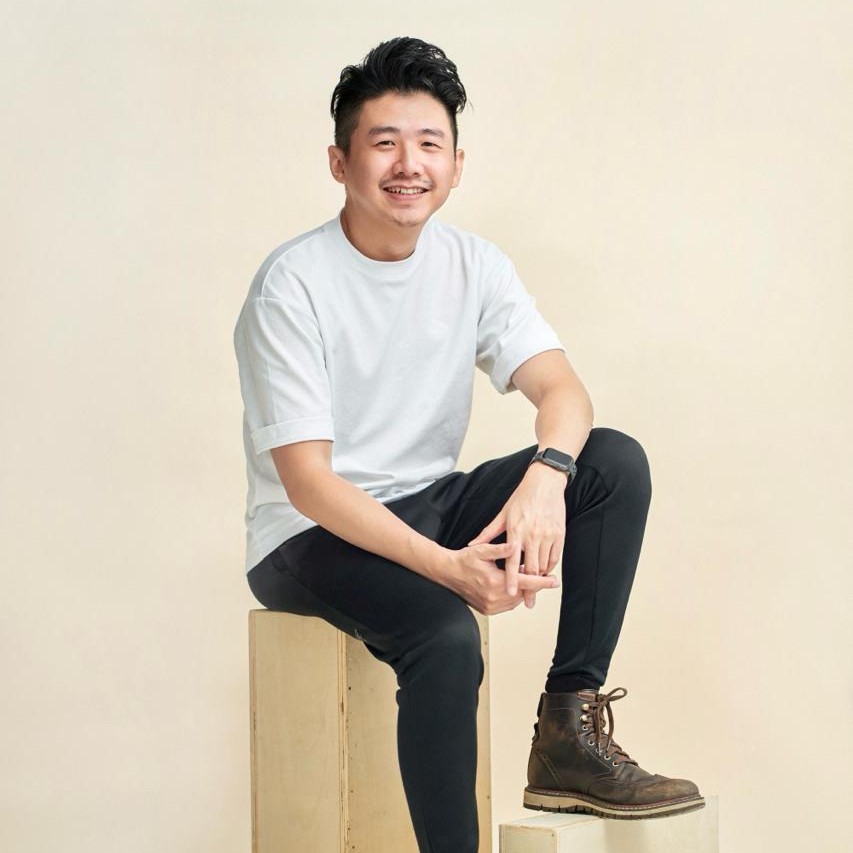
Sylvester Lim - Founder of GradePixel
I’m Sylvester, founder of GradePixel, a commercial photography and video production studio in Singapore with over 10 years of experience. I’ve worked with brands across product, food, fashion, and corporate sectors, helping businesses create clean, effective visuals that drive real results. My focus is always on practical, high-quality production that works for marketing.