
AI Product Photography: What It Is and What It Can’t Replace
AI product photography generates product images using artificial intelligence. Here's what it does well, where it falls short, and how smart brands are using both
May 28, 2026 • gradepixel
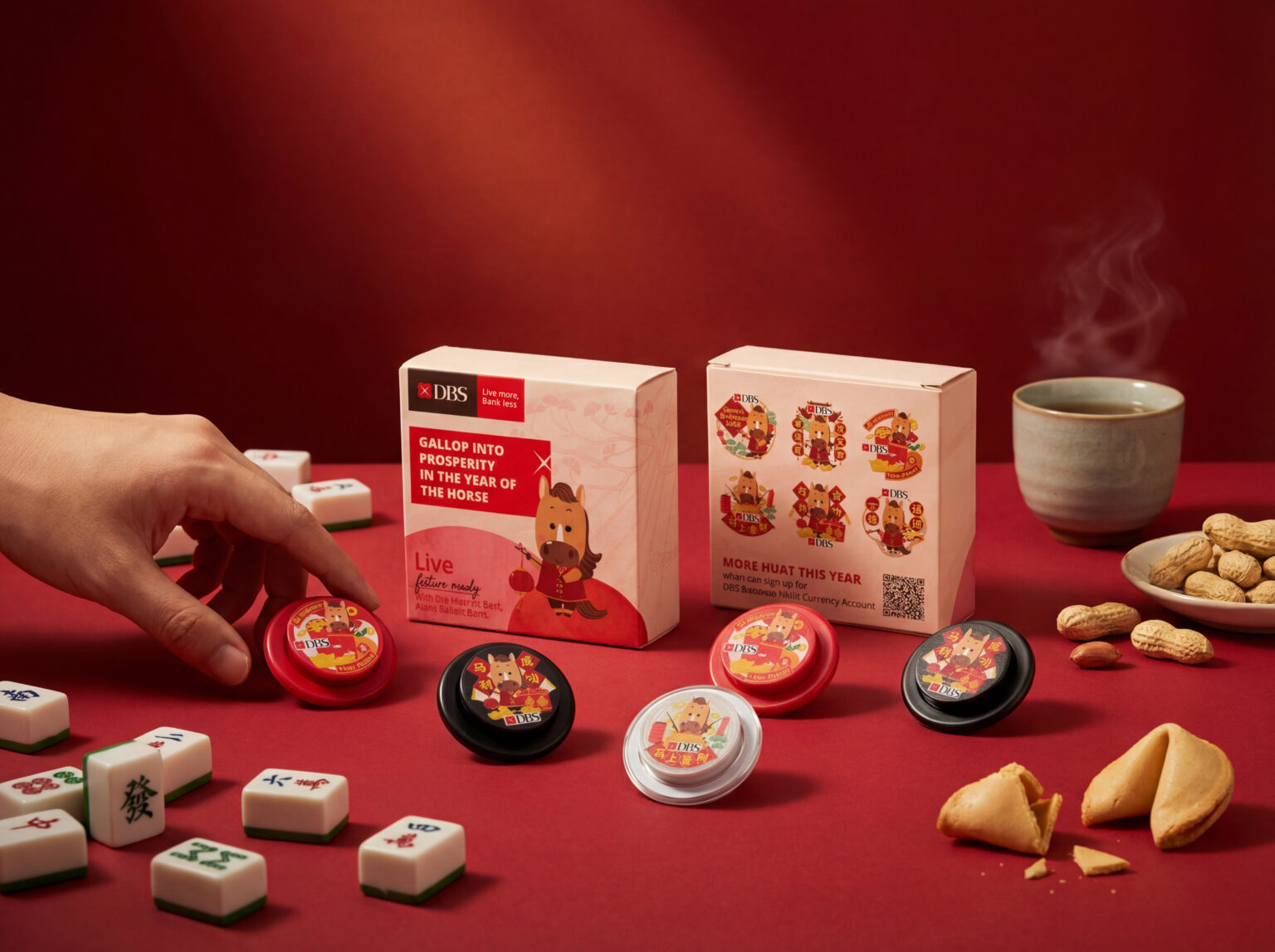
AI product photography uses artificial intelligence — specifically generative image models — to create or significantly enhance product images without a traditional camera shoot. This includes placing a product photo into an AI-generated background, removing and replacing backgrounds at scale, generating lifestyle scenes from a single studio image, and applying AI-assisted retouching to images captured in a conventional shoot. The key distinction: AI product photography is not always about replacing the camera. In many practical applications, it starts with a real product image and uses AI to extend, enhance, or multiply it into new contexts.
AI-generated product images are no longer a concept — they are a production tool that brands are actively testing. The technology has moved quickly, and the gap between what AI can produce and what a studio shoot delivers has narrowed in certain areas. But the gap has not closed. This guide covers what AI product photography actually is, where it performs well, where it fails, how it is reshaping the post-production workflow, and how Singapore brands are using both approaches together to get better results than either alone.
What AI Product Photography Does Well
There are specific tasks where AI tools deliver genuine value — faster, cheaper, and at a scale that manual production cannot match.
Background replacement at volume is the most mature use case. Removing a background and replacing it with white, or placing a product into a new environment, is something AI tools now do reliably and quickly. For brands with large catalogues where every image needs a clean white background, AI-assisted processing significantly reduces editing time. Generating environment variations from a single image is where AI tools offer the most compelling value proposition — take one studio image and generate multiple different lifestyle backgrounds around it, from kitchen countertops to minimalist desk setups to outdoor table settings. That is content multiplication from a single input asset.
Speed for social media and A/B testing is a strong use case. Producing quick variations of a product image for social media posts, paid ad testing, or seasonal campaign updates benefits significantly from the speed AI tools provide, and the output quality is sufficient for these contexts. AI-enhanced retouching in post-production is arguably the most mature application of all — built into software like Adobe Photoshop and Lightroom — and accelerates retouching tasks that previously required significant manual work: background clean-up, blemish removal, shadow creation, and colour correction. Most professional studios, including GradePixel, now use AI-assisted retouching as part of their standard post-production workflow. The photographer still makes the decisions; AI executes them faster.
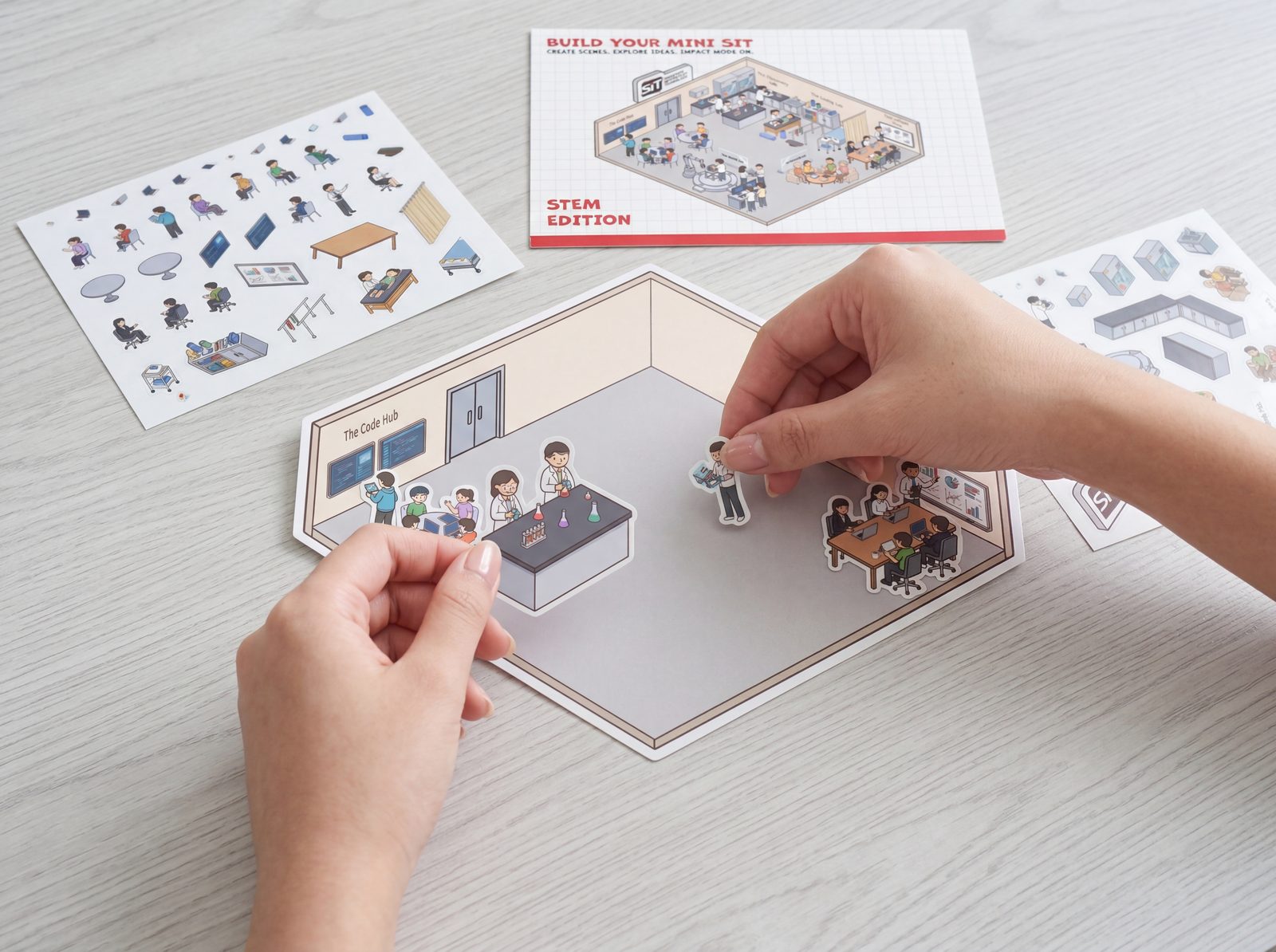
How AI-Enhanced Post-Production Changes the Operational Workflow
For most Singapore e-commerce brands, the bottleneck in product photography has never really been the shoot itself. The camera click is the easy part. The real cost — in time, money, and patience — sits in everything that happens after the shutter closes. Background removal, colour correction, blemish cleanup, shadow work, resizing for marketplaces, ensuring every product in a large catalogue drop looks like it belongs to the same visual family. That’s where weeks disappear and launch timelines slip.
AI-enhanced post-production addresses this directly. Speed to listing is the most immediate change: a product photographed early in the week can be live on marketplace listings by the end of the same week. That timeline was not achievable with traditional manual retouching workflows, and it reshapes how brands plan launches, restocks, and seasonal drops.
Batch consistency is the second operational advantage. When a large catalogue batch goes through AI-assisted colour matching and background processing, every image in the set references the same benchmark — there is no drift between multiple retouchers working in parallel, and the brand’s product grid on marketplace PDPs and category pages stays visually cohesive. Faster iteration follows naturally: re-exporting an entire image set in a different aspect ratio, testing different background treatments, or pivoting a campaign mid-run no longer means restarting the retouching queue from scratch. The editing parameters that produced the first batch can be applied to the full set in a fraction of the original time.
For a full comparison of how AI-assisted and traditional studio workflows differ across specific use cases, see our guide on AI vs traditional product photography.
Where AI Product Photography Falls Short
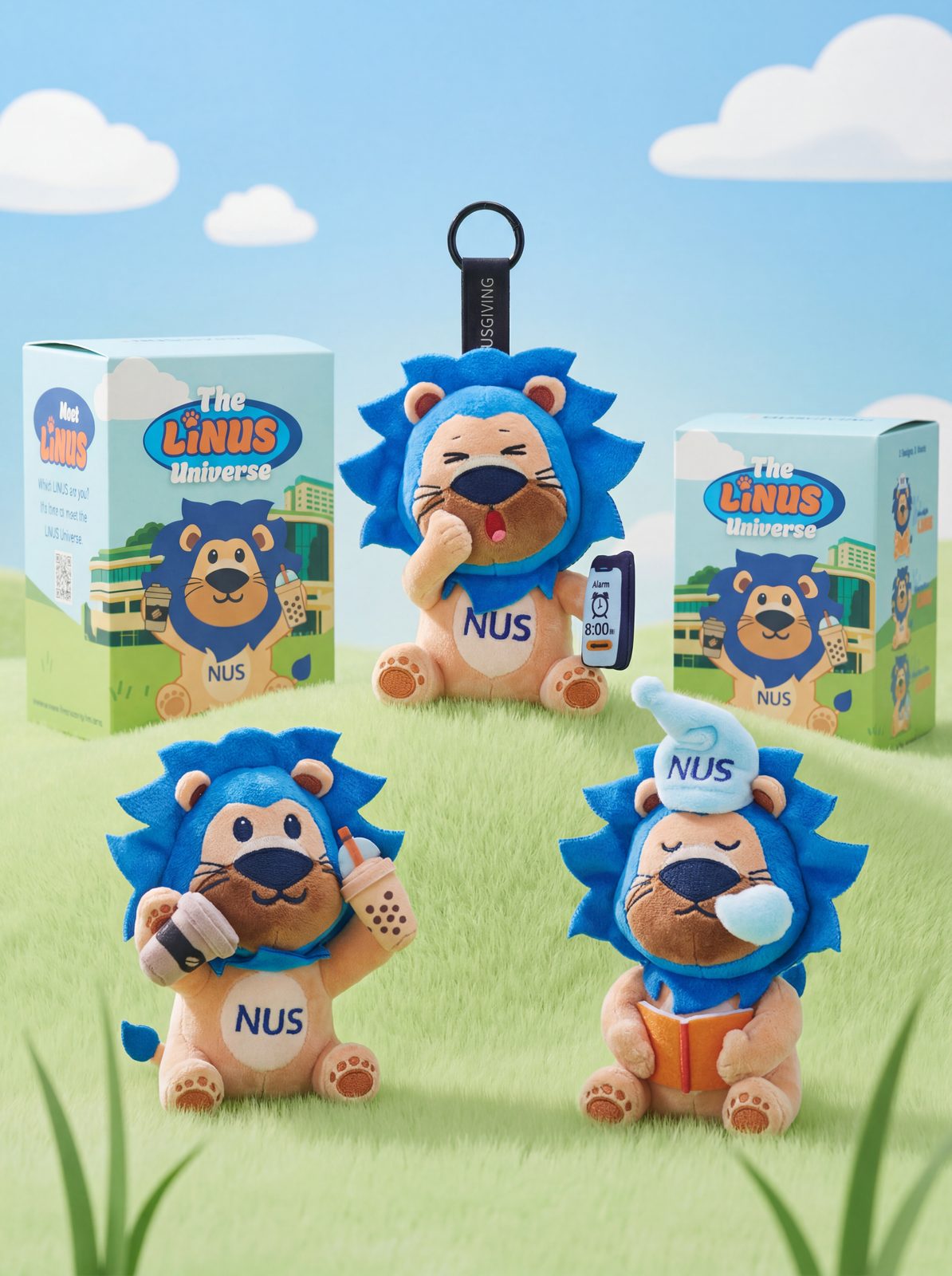
Honest assessment matters here, especially for brands making decisions about where to invest. Texture and material accuracy is inconsistent — AI models generate plausible-looking images, not accurate ones. For products where material quality is a selling point — leather goods, premium fabrics, high-end skincare packaging — AI-generated images frequently misrepresent the actual texture, finish, and feel of the product. Buyers notice, and returns follow.
Reflective and transparent products remain difficult. Glass bottles, polished metal surfaces, and transparent packaging are hard to light correctly in a real studio — they are significantly harder for AI to render convincingly. Generative models tend to produce generic, plausible-looking glass rather than the specific product with its exact shape, label, and light behaviour. Colour matching to the physical product is unreliable. If your brand has a specific Pantone colour that needs to be reproduced accurately across every image, AI generation is not a reliable tool. Colour drift between the actual product and the AI-generated image is a persistent issue, particularly for beauty and fashion categories where colour accuracy directly affects purchase decisions.
Most marketplace platforms do not accept fully AI-generated main images. Amazon’s image guidelines require that the main listing image accurately represents the physical product. Fully AI-generated images — where the product itself has been generated or substantially altered — risk rejection or listing suppression. Secondary images and lifestyle shots have more flexibility, but the primary listing image must be a faithful representation of the actual product. And there is no creative direction. AI tools generate images based on prompts and reference inputs. They do not understand your brand’s visual identity, your target buyer’s lifestyle context, or the subtle difference between an image that feels aspirational and one that feels generic. A skilled photographer and art director bring judgment that AI does not replicate.
AI Product Photography Tools Worth Knowing
These are the tools brands are actively using in 2026, with a clear-eyed view of what each one is actually good for. Pebblely is built specifically for background replacement and environment generation for ecommerce product images — fast and reliable for straightforward products. Claid.ai covers image enhancement, background removal, and AI upscaling, and is strong for post-processing and preparing images for marketplace compliance. Booth.ai generates lifestyle scenes from a product image and works best for simple products with clear silhouettes.
Adobe Firefly (Photoshop Generative Fill) is the most practical AI tool for professional post-production workflows — it extends backgrounds, removes objects, and fills gaps, and is integrated directly into the tools most studios already use. Midjourney and Stable Diffusion are powerful generative tools but are not reliably production-ready for product listing images. They are better suited to concept generation, mood boards, and creative ideation than final deliverable output. The line between “useful for ideation” and “ready for a live listing” is the critical distinction that brands regularly misread when evaluating these tools.
How Smart Brands Use AI and Studio Photography Together
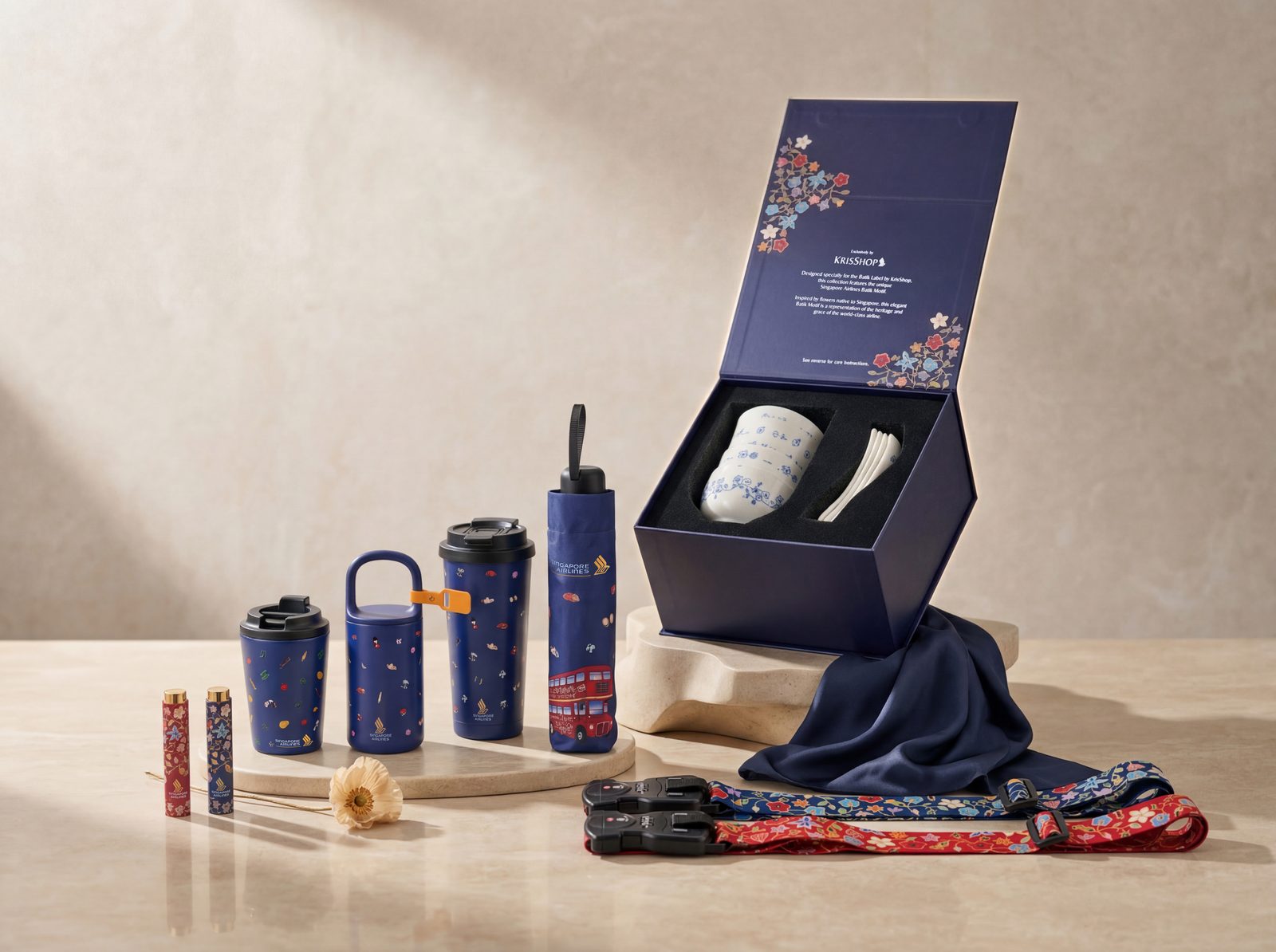
The most effective approach is not AI or studio — it is AI and studio, with each deployed where it performs best. Studio shoots for hero and listing images: the primary catalogue images, marketplace main shots, and any imagery where colour accuracy and material representation matter go through a conventional studio shoot. This is where the quality ceiling matters most, and AI cannot reliably meet it.
AI tools for content multiplication: once you have a strong set of studio images, AI extends their value — generating background variations for seasonal campaigns, adapting images for different aspect ratios and platforms, producing quick social content without booking additional studio time. AI-enhanced retouching in post-production, rather than treating AI as a replacement for the shoot, accelerates the work without trading away quality. Faster background clean-up, more consistent colour grading across large batches, and AI-assisted masking all contribute to a better final product in less time.
AI for ideation, not final output. Generative tools like Midjourney are useful for generating mood boards, exploring visual directions, and briefing a studio shoot with concrete visual references. Using AI at the concept stage reduces the ambiguity that causes expensive reshoots. For a broader look at how this applies to ecommerce catalogues specifically, see our guide on ecommerce product photography in Singapore.
For primary listing images and hero shots, we recommend starting with a studio shoot at our product photography Singapore before applying AI tools to multiply content variations.
Should You Use AI Product Photography for Your Brand?
The honest answer depends on the use case, not the technology.
| Use case | AI only | Studio only | AI + Studio (Recommended) |
| Amazon main listing image | ✗ | ✓ | ✓ |
| Shopee / Lazada main image | ✗ | ✓ | ✓ |
| Secondary lifestyle images | Sometimes | ✓ | ✓ |
| Social media content variations | ✓ | ✗ | ✓ |
| Paid ad A/B testing | ✓ | ✗ | ✓ |
| Campaign hero image | ✗ | ✓ | ✓ |
| Premium or luxury category | ✗ | ✓ | ✓ |
| Early-stage product testing | ✓ | ✗ | Either |
The pattern is consistent: AI works well for speed, volume, and variation at the edges of your content needs. Studio photography remains the standard where accuracy, brand quality, and platform compliance are the priority. The brands getting the best results are the ones that have stopped treating these as competing options and started treating them as a single integrated workflow.
Frequently Asked Questions About AI Product Photography
Are AI product photos allowed on Amazon?
Amazon’s image guidelines require that main listing images accurately represent the physical product. Fully AI-generated product images — where the product itself has been substantially altered or generated — risk rejection. AI-assisted background replacement and retouching applied to real product photos occupy a grey area, but the safest approach for marketplace compliance is to use a studio-shot primary image. Secondary images have more flexibility.
Can AI replace professional product photographers?
For specific, bounded tasks — background removal, image scaling, simple environment placement — AI tools have effectively replaced certain post-production steps that were previously done manually. For the full scope of professional product photography — art direction, lighting, material accuracy, brand consistency, and platform-ready quality at scale — AI does not currently replace a skilled photographer and studio workflow. The tools are most valuable when used alongside professional production, not instead of it.
What AI product photography tools are most useful for ecommerce brands?
For background replacement at volume, Pebblely and Claid.ai are the most reliable options. For post-production within an existing studio workflow, Adobe Firefly (Photoshop Generative Fill) is the most practical choice — it integrates directly into tools most studios already use. For ideation and mood boarding at the concept stage, Midjourney is useful, but not for final deliverable output.
How does AI-enhanced post-production affect turnaround time?
Significantly. A traditional manual retouching workflow for a 50-SKU shoot might take two to three weeks. An AI-enhanced workflow — where AI handles background clean-up, batch colour matching, and format exporting while a human retoucher reviews and refines — can compress that to days. For brands with frequent catalogue updates or tight launch windows, that difference is commercially meaningful.
Does GradePixel use AI in its product photography workflow?
Yes. We use AI-enhanced retouching as part of our standard post-production workflow — specifically for background clean-up, batch colour consistency, and format preparation across platforms. This is a studio-first workflow: real product captured in controlled conditions, AI-accelerated post-production, human review before delivery. We do not offer pure AI-generated product images for marketplace listing use.
Conclusion
GradePixel runs a hybrid workflow: professional studio capture for listing-quality images, AI-enhanced post-production for faster turnaround and batch consistency, and human review before anything ships. For Singapore brands that shoot regularly, this approach compresses timelines without compromising the image quality that drives conversion.
Explore our AI Photography Services →
A title
Image Box text
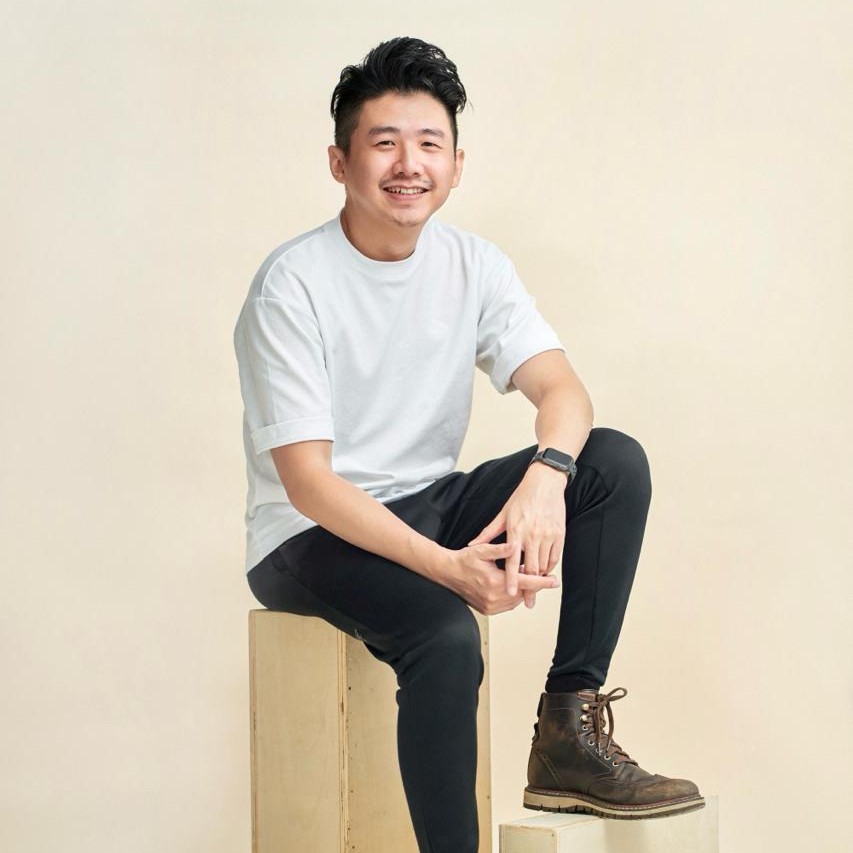
Sylvester Lim - Founder of GradePixel
I’m Sylvester, founder of GradePixel, a commercial photography and video production studio in Singapore with over 10 years of experience. I’ve worked with brands across product, food, fashion, and corporate sectors, helping businesses create clean, effective visuals that drive real results. My focus is always on practical, high-quality production that works for marketing.