
LinkedIn Photo Singapore: How to Get a Professional Profile Picture
Your LinkedIn photo is often the first thing a recruiter, prospective client, or new connection sees — before your headline, before your job title, before anything you’ve written. On a platform built around professional networking, that small circular image carries a disproportionate amount of weight. A professional photo signals that you take your presence on [...]
July 1, 2026 • gradepixel
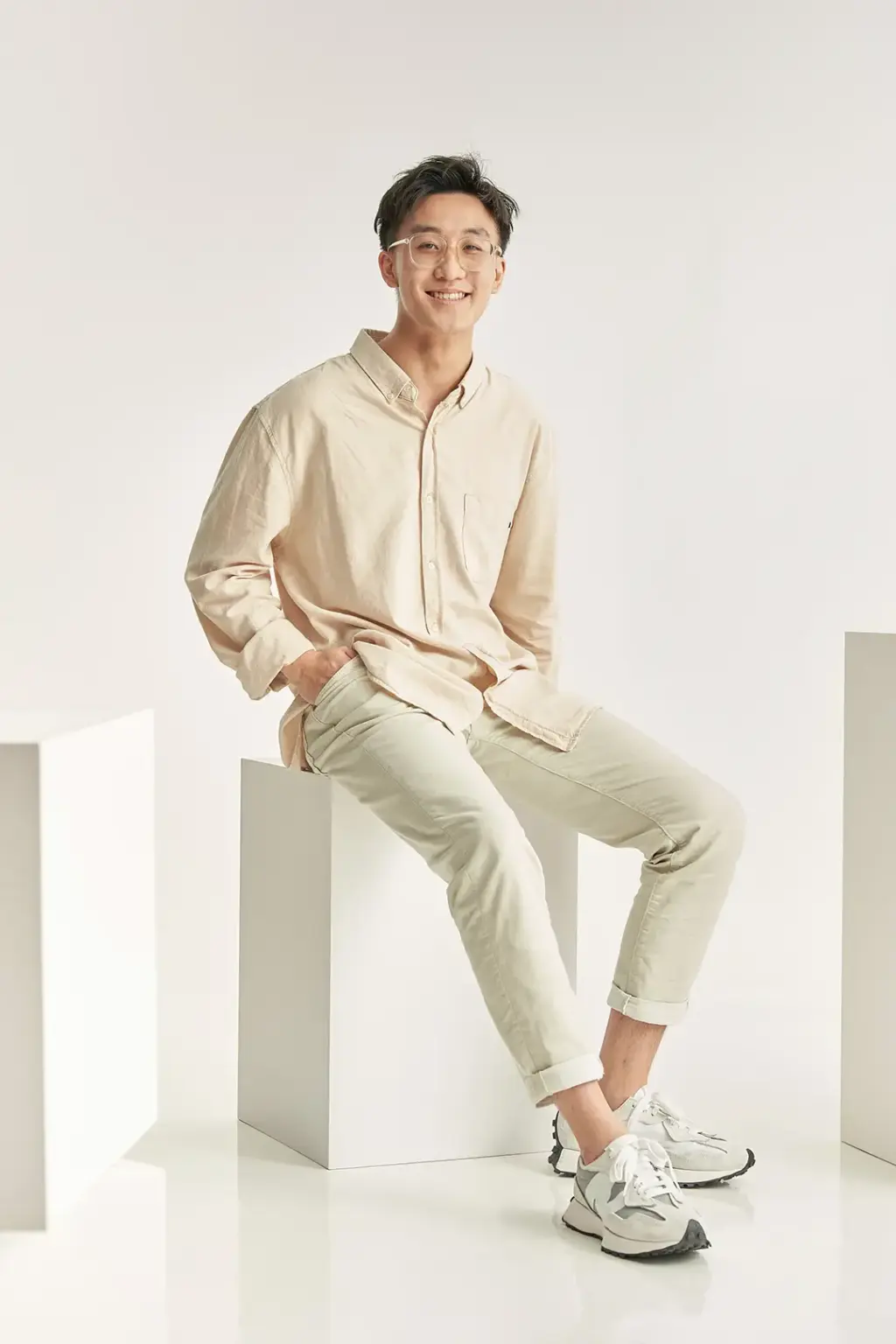
Your LinkedIn photo is often the first thing a recruiter, prospective client, or new connection sees — before your headline, before your job title, before anything you’ve written. On a platform built around professional networking, that small circular image carries a disproportionate amount of weight. A professional photo signals that you take your presence on the platform seriously, and it measurably affects how often people engage with your profile.
This guide covers what makes a strong LinkedIn photo, how a LinkedIn-focused photoshoot works in Singapore, and how to prepare for one.
Why Your LinkedIn Photo Matters
Profiles with professional photos receive significantly more views, search appearances, and connection requests than profiles with no photo or a casual snapshot. For anyone using LinkedIn for business development, recruitment, sales outreach, or thought leadership, this isn’t a cosmetic detail — it directly affects how many people engage with your profile and how seriously they take what follows.
Beyond LinkedIn itself, the same photo often gets reused across email signatures, company directories, conference name badges, speaker bios, and press materials. A single well-produced photo becomes a reusable professional asset across multiple touchpoints.
First impressions in professional networking have become increasingly visual-first. Before someone reads your summary or checks your experience, they’ve already formed an impression from your photo — and that impression shapes how they read everything that follows.
What Makes a Good LinkedIn Photo?
Framing. LinkedIn displays profile photos as a small circular crop, and at a small size in most contexts — search results, comments, the connections list. Your face should be centred and large enough in the frame that it remains clear and recognisable after this crop is applied. A headshot framed from the chest or shoulders up, with your face occupying a substantial portion of the frame, works best.
Background. A simple, uncluttered background — solid colour or softly blurred — keeps the focus on your face. Busy or distracting backgrounds compete for attention in an image that’s already displayed quite small.
Lighting. Bright, even lighting with no harsh shadows is essential. LinkedIn’s small thumbnail size means subtle lighting nuances that might look sophisticated at full resolution can simply read as murky or unclear at a glance — clarity and contrast matter more than mood.
Expression. An approachable, confident expression generally performs better than a stern or overly formal one. A slight, natural smile tends to read as more inviting without undermining professionalism — though the right expression also depends on your industry and personal brand.
Attire. Your clothing should reflect your industry and role. Business formal — suits, blazers, structured shirts — suits finance, law, and consulting. Smart casual works well for tech, creative, and many startup environments. The goal is to look like yourself on a good day at work, not like you’re auditioning for a different job.
DIY vs Professional LinkedIn Photos
It’s worth being honest about when each approach makes sense.
A DIY photo — a good smartphone camera, natural window light, a plain wall as a backdrop, and a friend to take the shot — can produce a perfectly acceptable LinkedIn photo, particularly for those early in their career or working with a tight budget. The key elements (good light, simple background, appropriate framing) can be replicated without professional equipment.
Professional photography produces more consistent lighting, proper retouching, and — critically — multiple options to choose from in a single session. For executives, founders, consultants, and anyone in a client-facing or public-facing role, the investment in a professional session is generally worthwhile: the photo gets used repeatedly across many contexts over an extended period, and the cost amortises across all of that use.
What to Expect from a LinkedIn Photoshoot in Singapore
Sessions are typically short. A LinkedIn-focused headshot session usually takes 10 to 15 minutes — enough time to capture multiple poses and expressions without requiring a significant time commitment.
Multiple background and outfit options. Most sessions offer at least one background choice (often plain or softly blurred) and the option for an outfit change if you want to capture a couple of different looks — useful if you maintain profiles for different professional contexts.
Same-session preview. Many photographers show you images on a screen during or immediately after the session, allowing you to see how different poses and expressions are working and make adjustments in real time.
Retouched final images, delivered digitally. After the session, images go through professional retouching — natural skin retouching and colour correction — and are delivered in formats ready to upload directly to LinkedIn and other platforms.
How to Prepare
Much of the preparation for a LinkedIn-focused session overlaps with general corporate headshot preparation, with a few specific considerations.
Choose an outfit appropriate to your industry and how you want to be perceived professionally. If you maintain a LinkedIn presence that’s distinct from your day-to-day work attire — for example, a more polished look for networking and business development — factor that into your choice.
Avoid very busy patterns or visible logos, which can be distracting at the small sizes LinkedIn displays images.
Get groomed a few days before your session, not the same day. A fresh haircut can look stiff in photos; a few days allows it to settle naturally.
Bring a backup outfit if you’re unsure. Having a second option means you’re not locked into a single choice if the first doesn’t photograph the way you expected.
→ For a broader guide to corporate headshot sessions — including group bookings and studio considerations — see our article on corporate headshot photography in Singapore.
Getting Your LinkedIn Photo Done in Singapore
A LinkedIn photo session is one of the simplest and most accessible corporate photography services to book — short, focused, and producing an asset you’ll likely use across multiple platforms for years. Whether you book a dedicated LinkedIn-focused session or capture it as part of a broader corporate headshot session, the priorities remain the same: clear framing, even lighting, a clean background, and an expression that represents you well.
→ To book a session, visit our corporate photography studio in Singapore.
Frequently Asked Questions
What size should my LinkedIn photo be?
LinkedIn recommends a profile photo of at least 400 x 400 pixels, displayed as a circular crop. When working with a photographer, the original image will typically be much higher resolution — the photographer or you can crop and export a square version sized appropriately for upload. The important consideration during the shoot is framing: keep your face centred and large enough in the frame that it remains clear after the circular crop is applied.
Should I smile in my LinkedIn photo?
A natural, approachable smile generally performs well and tends to make a profile feel more inviting. That said, the right expression depends on your industry and personal brand — a slight, confident smile works for most professional contexts, while a more neutral expression may suit certain industries or personal styles. During a session, capturing a range of expressions gives you options to choose from.
How often should I update my LinkedIn photo?
There’s no fixed rule, but updating your photo every one to two years — or whenever your appearance changes noticeably (a significant change in hairstyle, for example) — keeps your profile current. It’s also worth updating your photo around career milestones: a new role, a promotion, or a shift in how you’re presenting yourself professionally.
GradePixel is a corporate photography studio in Singapore. We produce LinkedIn headshots, corporate portraits, and team photography for individuals and businesses. Get in touch to book a session.
A title
Image Box text
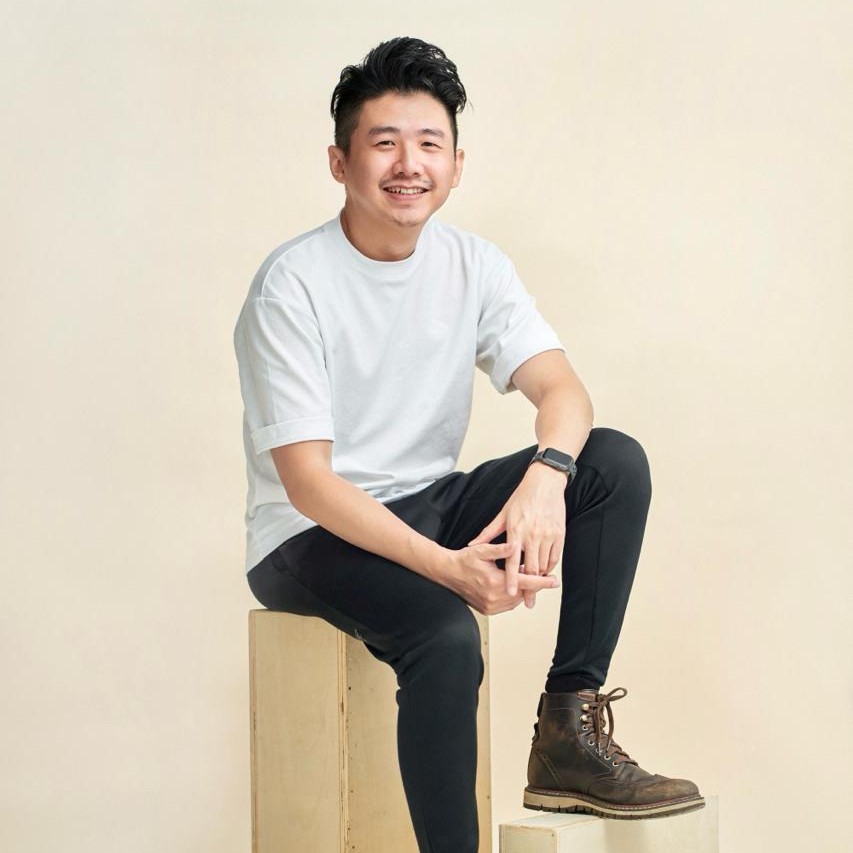
Sylvester Lim - Founder of GradePixel
I’m Sylvester, founder of GradePixel, a commercial photography and video production studio in Singapore with over 10 years of experience. I’ve worked with brands across product, food, fashion, and corporate sectors, helping businesses create clean, effective visuals that drive real results. My focus is always on practical, high-quality production that works for marketing.