
Ecommerce Photography in Singapore: A Brand’s Platform-by-Platform Guide
A complete guide to ecommerce product photography in Singapore — platform requirements, shoot types, pricing, and how to choose the right studio for your brand
May 27, 2026 • gradepixel
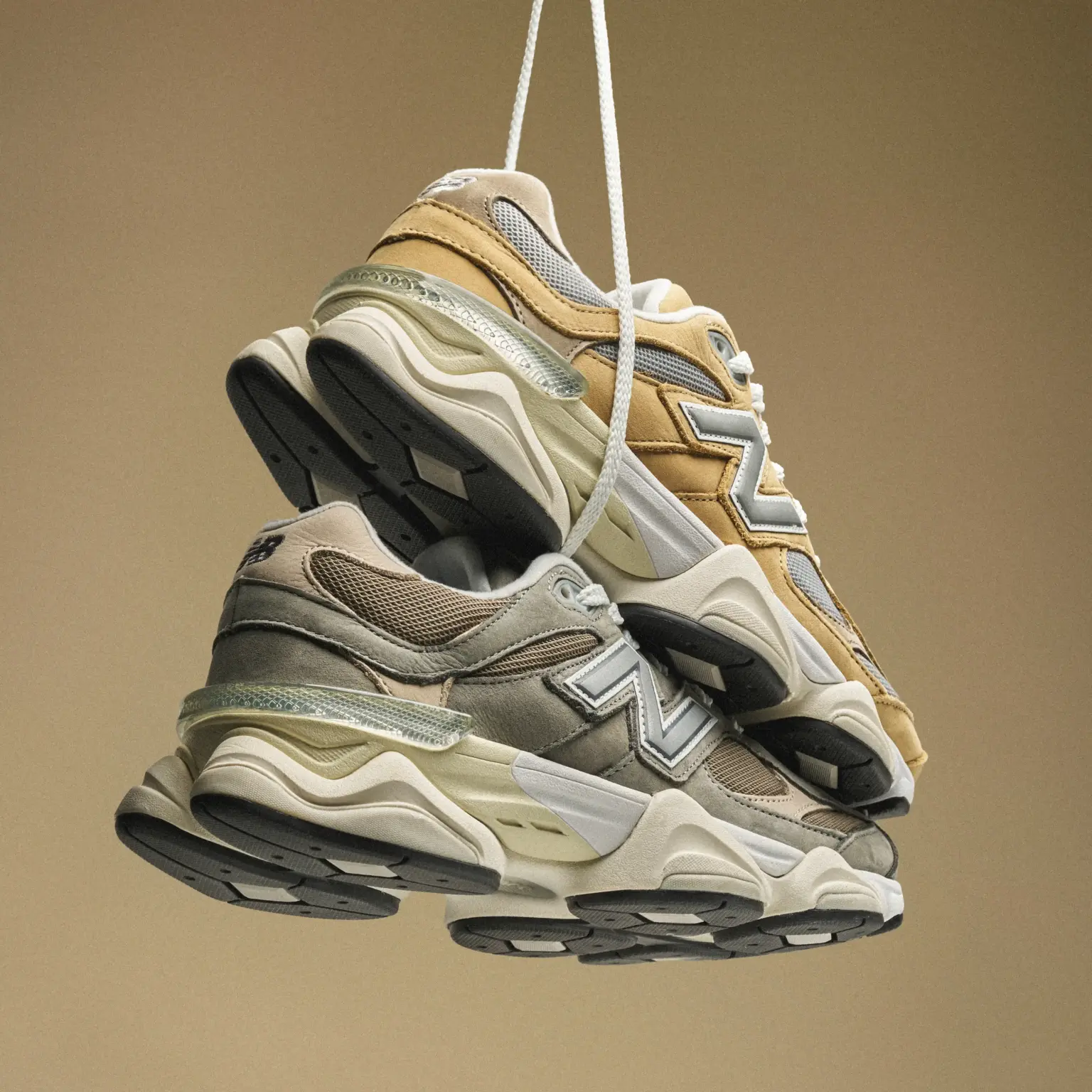
Ecommerce product photography is the process of creating a structured set of commercial images for each product in your catalogue, specifically optimised for online selling platforms. Unlike a single campaign image, ecommerce photography produces a complete image set per product — typically a main listing shot, multiple angles, close-up details, and at least one lifestyle image — each designed to answer a buyer’s visual questions before they need to ask.
Ecommerce in Singapore is competitive. Buyers scroll fast, attention is short, and every brand on a marketplace listing page is competing for the same click. In that environment, your product images are not a supporting detail — they are your primary sales tool. This guide covers platform requirements, shoot types, the technical realities of white background photography, studio vs on-site decisions, and how to choose the right studio for your catalogue.
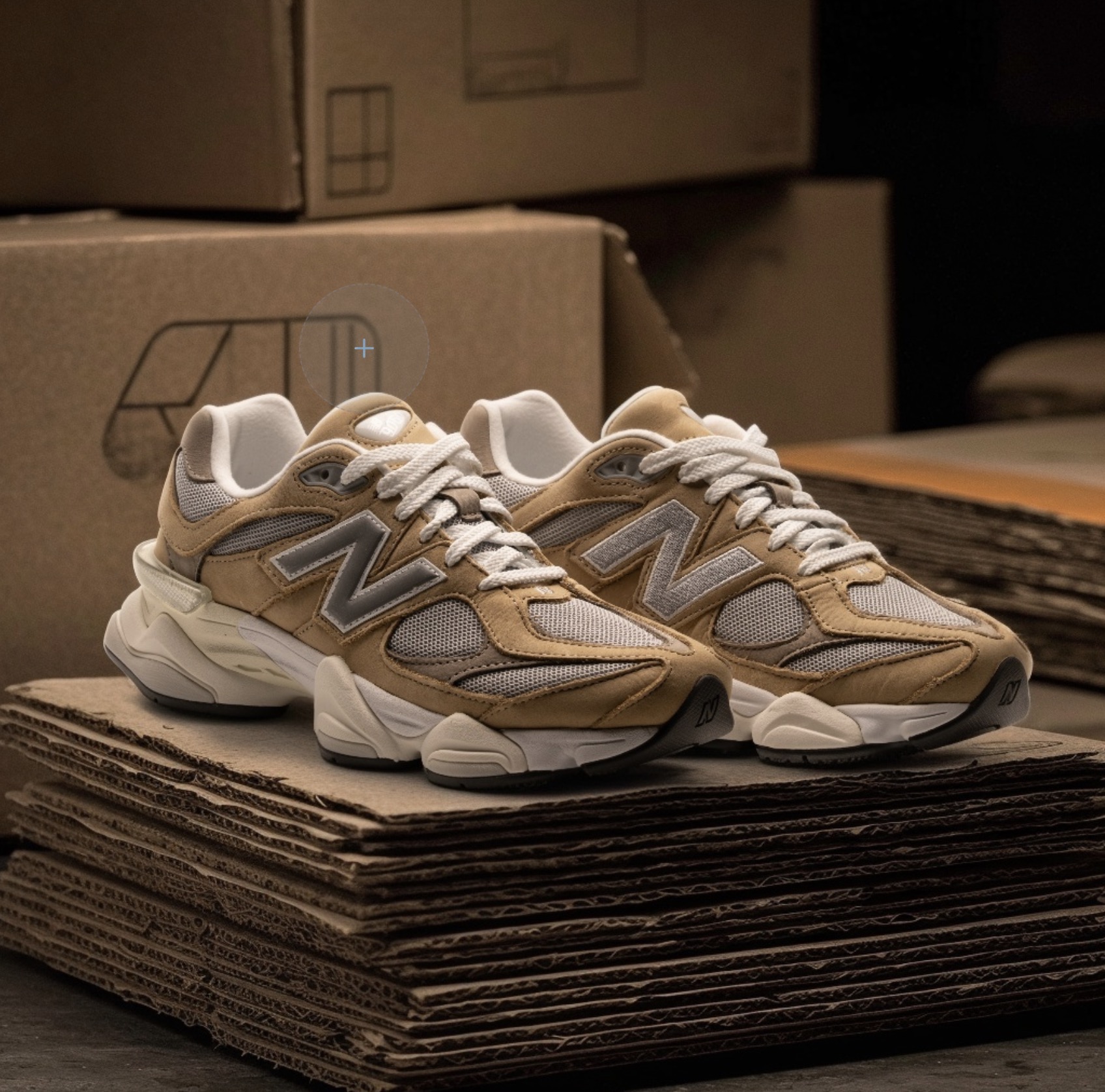
Platform Requirements: What Each Marketplace Needs
Each selling platform has its own image specifications, and shooting to meet them is not optional — non-compliant images are rejected, suppressed, or penalised in search rankings.
Amazon Singapore Image Requirements
Amazon has the strictest image guidelines of any major marketplace. The main listing image must be shot against a pure white background — RGB 255, 255, 255 — with no exceptions. The product must occupy at least 85% of the image frame, and resolution should be 2,000 pixels or above on the longest side to support the zoom functionality buyers expect. JPEG is the preferred format; no watermarks, logos, text overlays, or props are permitted on the main image. Amazon allows up to nine total images per listing, and the additional slots can include lifestyle shots, infographics, comparison charts, and close-up detail images.
Shopee and Lazada Image Requirements
Shopee and Lazada offer slightly more flexibility, but best-practice standards still apply. Square format (1:1) works best for main images, while landscape is accepted for additional images. A white or very light background on the main image improves visibility in search results. Platforms reward listings with more images through higher placement, so four to eight images per listing is recommended. Lifestyle shots, infographic overlays highlighting key features, and size or scale reference images all contribute to higher conversion rates.
Shopify and Brand-Owned Websites
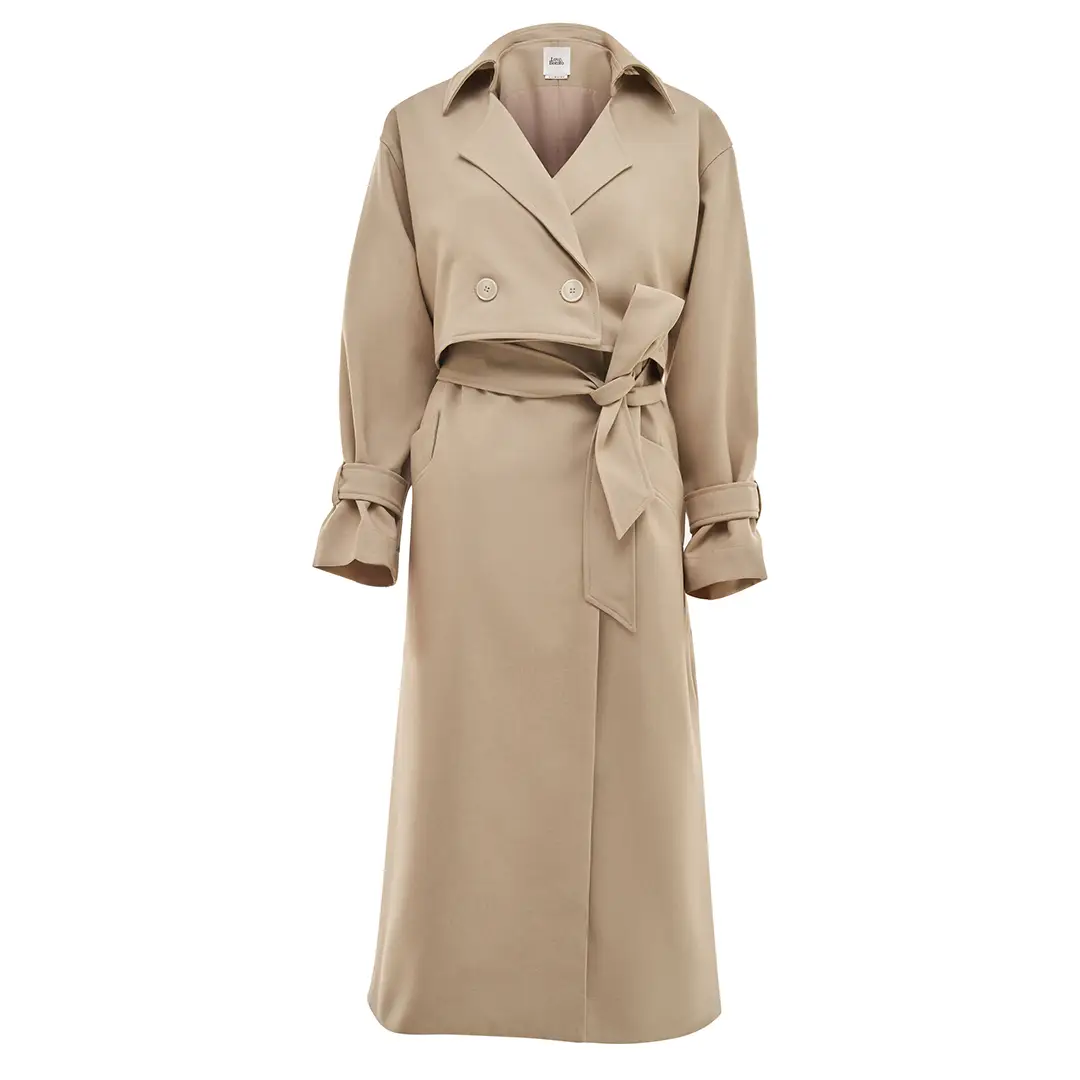
Your own website gives you the most creative freedom, but consistency is still critical. Brand websites typically mix white background catalogue shots for product pages with lifestyle and campaign images for collection pages and homepage. Consistent visual treatment across your entire catalogue — same lighting rationale, same colour temperature, same level of post-production — is what makes a brand feel premium. Buyers on a brand website expect more context than on a marketplace, so multiple angles plus close-up zoom detail on each product page is the expected standard.
The Four Image Types Every Ecommerce Listing Needs
A complete ecommerce image set covers four distinct functions. Missing any of them leaves a gap in the buyer’s decision process. The main product image — your marketplace-compliant, catalogue-grade white background shot — is the first image buyers see and the one that drives click-through from search results. Multi-angle shots (front, side, 45-degree, and back depending on the product) allow buyers to fully understand the product’s form, size, and construction without being able to hold it. Close-up detail shots capture texture, material, stitching, labelling, connectors, and finishes — any detail that affects a buyer’s decision deserves its own frame, especially for premium products where material quality is the selling point.
The fourth image type — lifestyle — is the one most brands underinvest in. At least one image showing the product in context is essential: a water bottle on a desk or in a gym bag, a skincare product on a vanity or in someone’s hand. Lifestyle images increase emotional connection and help buyers visualise ownership. For a deeper look at how lifestyle imagery works across product categories, see our guide on lifestyle product photography.
Why Getting the Seamless White Background Right Is Harder Than It Looks
Your product photo on Amazon looks clean. Simple. A product against a pure white background, nothing distracting, nothing competing. That simplicity is deceptive. Getting seamless white right is one of the hardest shots in product photography — more finicky than unusual angles, more critical to ecommerce success than most sellers realise, and almost never executed well outside a professional studio.
The problem runs deeper than most people expect. A white background that looks white to your eye doesn’t photograph white. It photographs dingy, yellowish, or overexposed depending on your light source. Paper backdrops wrinkle and cast shadows. Lighting to pure white without washing out the product is a constant tension. And post-production cleanup takes hours per image if the shoot wasn’t executed correctly in-camera.
The Triple Challenge: Backdrop, Colour, and Exposure
Getting seamless white right means solving three interconnected problems simultaneously. First, backdrop imperfections: paper wrinkles, creases, and has texture. Under studio lights, every imperfection becomes visible — wrinkles cast tiny shadows, creases become lines. We manage this by using heavier-gauge paper that resists wrinkles, hanging it with support on both sides, angling the lighting to prevent shadow from imperfections, and replacing sections whenever a crease appears. Seamless means seamless — no shortcuts.
Second, white doesn’t photograph white. Paper is off-white, slightly warm, or colour-cast. Under tungsten lights, white paper photographs yellow. Under daylight, it photographs blue. Getting white to read as true, pure white on camera requires matching colour temperature to your camera’s white balance, careful exposure management, and lighting the background separately from the product — so the product light doesn’t also affect background exposure.
Third, the tension between background exposure and product detail. To make the white background look pure white, you need significant exposure. But that same exposure can wash out product detail — especially on lighter-coloured products. A white or cream-coloured product on a white background requires precise, separate lighting systems: the background lights for pure white, the product lights for correct exposure and texture retention, with reflectors and flags controlling spill between the two zones.
Our Lighting Workflow for White Background Shoots
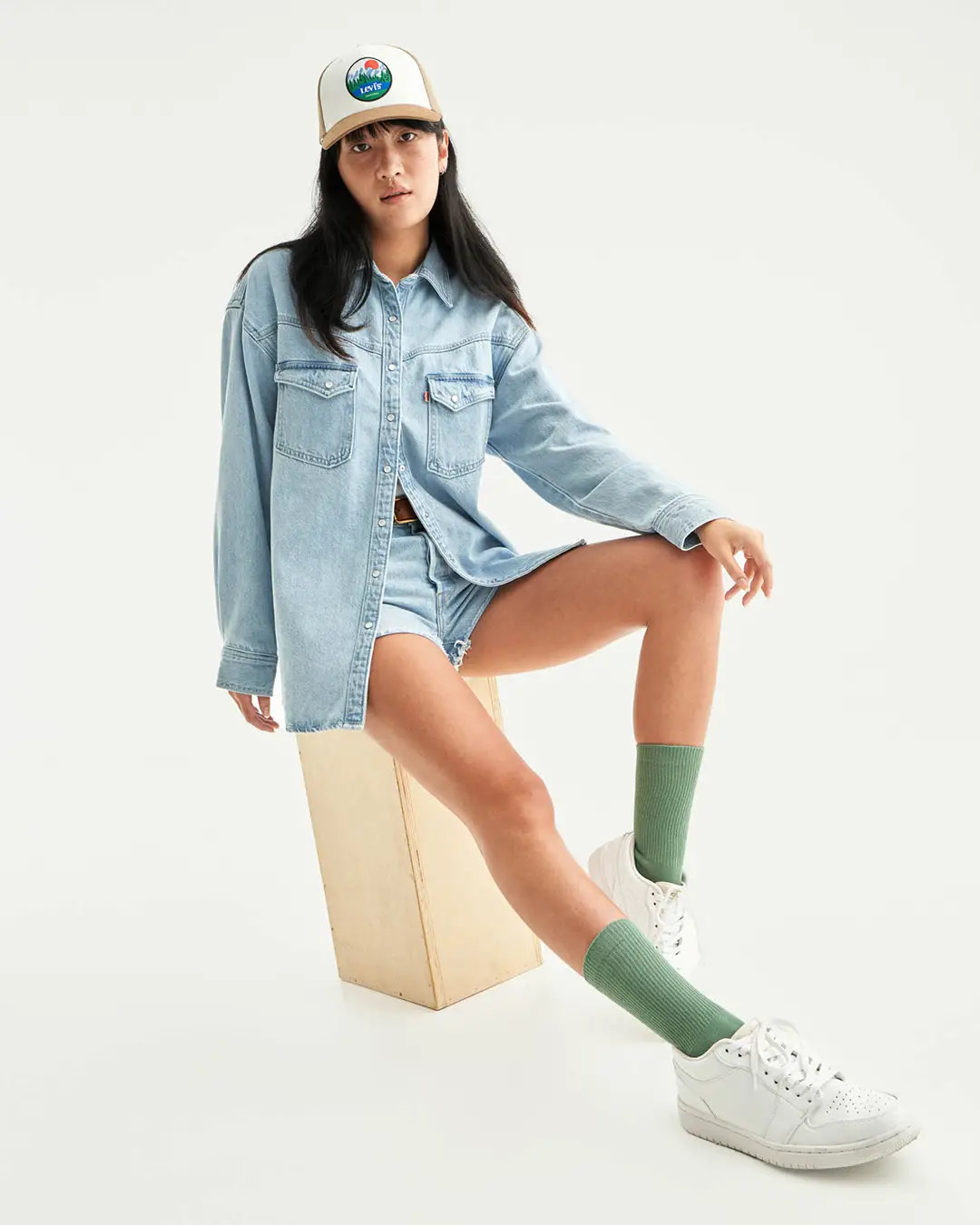
The process starts with backdrop setup and light isolation — paper hung with support, background lighting separated from product lighting entirely. Then product lighting: a directional key light defines the product, reflectors fill shadows without overexposure, flags and shields control light spill onto the background. Background exposure is set independently after product lighting is locked, bright enough to register as pure white but not so bright it reflects back onto the product or creates a light halo around edges. Test shots, review on a calibrated monitor, adjustments as needed.
Even with correct execution, seamless white work still requires post-production. Tiny backdrop imperfections invisible to the eye are visible to the camera. The difference: professionally executed white background shoots require light post-production cleanup. DIY attempts require hours of Photoshop work because the fundamentals were wrong in-camera.
Studio Shoot or On-Site? How Location Affects Your Ecommerce Results
The question of where to shoot is more consequential than most brands realise — and the honest answer isn’t always “studio.” After shooting hundreds of ecommerce projects across both settings, the right choice depends on what you’re actually trying to achieve.
A professional studio gives you control that on-site environments simply can’t match. Lighting is fully controlled — no mixed light from windows and fluorescents competing, no harsh shadows from furniture, no surprise shifts through the day. A cyclorama wall gives you a clean, professional backdrop in minutes. Our 3,200 sq ft studio has multiple environments: the cyclorama for catalogue and corporate work, styled lifestyle spaces for context, a kitchen setup for food. Shoot days start in 30 minutes. On-site setup typically takes 60 to 90 minutes and always involves managing the existing environment, not owning it.
There are genuine cases for on-site shooting. If your brand story is the space — your retail design, your office culture, your manufacturing floor — then shooting in the actual environment matters in a way that controlled lighting can’t replicate. Documentary and behind-the-scenes work benefits from authentic, uncontrolled environments. For everything else — product catalogues, corporate headshots, food photography, brand content — studio wins on control, efficiency, and ultimately, cost. A food shoot in a restaurant requires five-plus hours minimum, working around service times, managing steam and heat in tropical humidity. The same shoot in a controlled studio kitchen: three hours. That time saved is stress eliminated and better-looking food.
For brands deciding between shoot locations for corporate or headshot work specifically, see our guide on corporate photography in Singapore.
How to Prepare Your Products for a Shoot
How you prepare your products before a shoot directly affects the quality of the final images. Studios can retouch a great deal in post-production, but the starting condition of your products sets the ceiling for what’s possible.
Clean everything before sending — fingerprints, dust, and smudges. For apparel or soft goods, steam or iron before sending. For packaged goods, make sure labels are aligned and free of creases. Send extra units as backup: products get handled repeatedly during a shoot, and having a spare means the photographer can swap out if a surface gets marked during setup. Provide brand and usage guidelines upfront — which images are needed per variant, which angles must be shown, whether your brand has a colour palette that affects styling choices.
Colour-critical categories — beauty, food, apparel — require explicit confirmation that the studio’s workflow includes colour matching to a physical reference or a specified colour profile. Ask before the shoot, not after. It’s a five-minute conversation that prevents a complete reshoot.
What Affects the Cost of Ecommerce Product Photography in Singapore
Pricing varies depending on shoot type, product complexity, volume, and what is included in post-production. White background catalogue shoots are the most straightforward and typically the most efficient per image at volume — the per-image rate drops significantly for larger batches because setup time is amortised across the full shoot. Lifestyle shoots involve set design, props, and sometimes models or stylists, so they’re scoped by concept or set rather than per image. Full ecommerce listing packages — main image, angles, and lifestyle per SKU — are often the most cost-effective format for brands launching across multiple platforms simultaneously. For a full breakdown of what drives pricing and what typical ranges look like, see our guide on product photography pricing in Singapore.
DIY vs. Hiring a Studio: What Makes Sense at Your Stage?
Both approaches have a place — the right choice depends on where your business is.
| DIY | Professional Studio | |
| Upfront cost | Low | Higher |
| Per-image quality | Variable | Consistent |
| Time investment | High | Efficient |
| Scalability | Limited | Built for volume |
| Platform compliance | Risk of non-compliance | Managed |
| Best fit | Early-stage, small catalogue, testing | Growth stage, platform listings, brand building |
The tipping point for most ecommerce brands is when any of the following becomes true: the catalogue exceeds 20 to 30 SKUs, the brand is listing on Amazon with strict image requirements, or the brand’s visual positioning has moved beyond entry level. At that point, the time and reputational cost of DIY photography typically outweighs the savings — not because DIY is wrong, but because the margin for inconsistency has narrowed.
How to Choose an Ecommerce Photography Studio in Singapore
Not all studios are set up equally for ecommerce work. Experience with your product category matters — a studio experienced in beauty products understands how to light glass, manage reflections on glossy packaging, and handle skincare textures. General commercial studios may not. Ask to see samples from the same category as your products before committing.
Consistent colour grading across bulk shoots is a separate question from quality on a single shoot. If you’re shooting 100 SKUs across multiple sessions, every image must look like it was shot on the same day under the same conditions — same lighting rationale, same colour temperature, same post-production standards. Ask how the studio maintains colour consistency across sessions separated by weeks. Clarify upfront whether retouching, background clean-up, and colour correction are included in the quote or charged separately. Some studios deliver lightly edited RAW files; others deliver fully retouched, platform-ready images. Confirm that all image files are transferred to you in full — including high-resolution originals — and that the studio retains no licensing rights.
See how GradePixel handles ecommerce shoots — from brief through to final delivery — at our product photography studio in Singapore.
Frequently Asked Questions About Ecommerce Product Photography
What is the best background colour for ecommerce product photos?
White is the standard for marketplace main images across Amazon, Shopee, and Lazada. For brand websites and secondary listing images, light neutral backgrounds — off-white, light grey, or soft texture — are common and give more visual flexibility while keeping the product clearly visible.
How many product photos do I need per listing?
A minimum viable set includes one main white background image and two to three supporting angles. A well-optimised listing typically includes six to ten images: main image, three to five angles, one or two close-up detail shots, and one lifestyle image. Platforms that allow infographic slides benefit from one or two feature-callout images as well.
Can you shoot products to Amazon Singapore image specifications?
Yes. We shoot specifically to Amazon’s requirements — pure white background at correct RGB value, product fill ratio, and resolution that supports the zoom function. All images are delivered in Amazon-ready format and can be sized for additional platforms simultaneously.
How long does an ecommerce product photography shoot take?
For a batch of 10 to 20 products with white background shots only, a single studio day is typically sufficient. Larger volumes or shoots that include lifestyle sets require additional time. Turnaround for edited files is typically three to five working days from the shoot date, depending on volume.
Is it better to shoot ecommerce products in a studio or on-site at our warehouse?
For ecommerce catalogue work — white background shots, multi-angle images, detail close-ups — a professional studio almost always delivers better results more efficiently. Warehouses have mixed lighting, background clutter, and temperature inconsistencies that add post-production time and reduce image consistency across large batches. On-site makes sense when the location itself is part of the brand story, which rarely applies to standard catalogue photography.
Do you offer AI-enhanced post-production for ecommerce images?
Yes. Our studio combines traditional shooting with AI-assisted post-production where it accelerates delivery without compromising quality — background clean-up, colour consistency checks, and batch retouching. This is a hybrid workflow: real studio capture, AI-multiplied output. For a deeper look at AI-enhanced product imagery, see AI product photography
Conclusion
Getting ecommerce product photography right — technically compliant, visually consistent, platform-ready — is what separates listings that convert from listings that scroll past. At GradePixel, our 3,200 sq ft studio and production team shoots ecommerce catalogues for Singapore brands selling on Amazon, Shopee, Lazada, and their own websites, with post-production turnaround built around your listing deadlines.

A title
Image Box text
Sylvester Lim - Founder of GradePixel
I’m Sylvester, founder of GradePixel, a commercial photography and video production studio in Singapore with over 10 years of experience. I’ve worked with brands across product, food, fashion, and corporate sectors, helping businesses create clean, effective visuals that drive real results. My focus is always on practical, high-quality production that works for marketing.